Using Monster Cold I made a new Timeline Banner Snag,
You can find this Kit on TK Dezigns Blog HERE
Timeline Snag:


Using Monster Cold I made a new Timeline Banner Snag,
You can find this Kit on TK Dezigns Blog HERE
Timeline Snag:
Another simple freebie snag Tag for you all...
Played with Savage Dezignes' New FTU Kit called
A New Year Kit HERE

Hey Everyone! I hope everyone had a wonderful holiday
and a safe new years. But I wanted to pop on here and
get a freebie or two out before the end of the year.
With some unfortunate incidents that have fallen onto my family,
I created a snag tag for expressing your condolences or remembrance design.
This is a scrap only tag featuring TK Dezigns No More Tears AI Scrap Kit... HERE
Enjoy the Freebie!!

Hey Everyone!
So I have been making Timeline Snags lately... today's snag features the art of Rebecca Sinz, and you can find it HERE
This is an AI FREE design... The Kit used is an old kit by TK Dezigns, which can be found in this post and is called ATP_Christmas HERE
Preview:

Timeline Snag:

Happy Tagging Y'all!
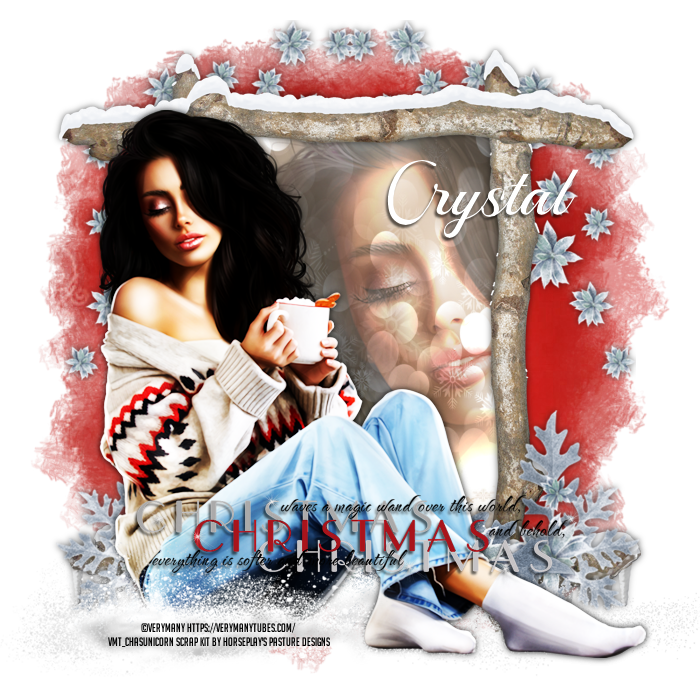
Thank you Horseplay's Pasture for the gorgeous simple winter kit.
Tube by VeryMany
Hope you all enjoy this quick and easy tutorial

Brand New Tutorial available on my tutorial blog HERE
and as always I have a freebie for you all,
Timeline Snag:


Hey everyone.
Back with some new word art.
While playing in BAS' Scrap Kit challenge which is 2 kits from Addictive Pleasures
For the first design I am using Maple Mocha HERE
I paired Trinta's Ami tube from VMA HERE
now I am not sure when she will upload it to her new store HERE
Template #207 by Pooker HERE
Here is what my design looks like:

Here is the word art, if any one would like it:

Having a bit of fun tonight while i am
waiting for my sleep meds to kick in and made a fun new freebie.

And here is the design that inspired this new freebie...

AI Tube & Cozy Thanksgiving Kit can be found HERE
I love how this design just fell together perfectly.
What do you all think of this design?
Have a great night y'all!
Happy Tagging!
It's a quiet evening here tonight. So I decided to play in a Misfit game...
You pick your Witch name... Mine is rather silly
The Greasy Carbuncle Waspbeater...lol.
So I used a Wicked Princess Scraps kit called Witchcraft HERE


Creative blocks really do suck some times. But I finally broke through
today while doing a challenge for ATP Forum.
Today I am using a cute scrap kit called Magic Light
by Wicked Princess Scraps HERE

I paired this kit with a ATP Forum Exclusive tube by Misticheskaya.
Here is what I made using this kit:

Back again with another CT Tag
New design featuring House of Dragus Graphics' Scrap Kit called Darker Side of Autumn HERE
I paired this kit with a Purple clad witch by Carolina Seabra HERE
Here is the design I made using this kit:

Ever have a creative block after choosing to make something awesome...
Yeah, that is what happened when I opened this kit.
So the chosen kit by Wicked Princess Scraps called Autumn State Of Mind HERE

I had an idea of making a bunch of small simple forum game and greeting tags, all different with their own themes but made using the same scrap kit.
I did happen to come across an awesome VeryMany tube called Summer Read which fit the kit well
I hope everyone enjoys the snag set I made.
Snag Set:


Good Afternoon all! Today, I have a new designs to post for HoDG
This time I am using House of Dragus Graphics Blue Bouquet Scrap Kit HERE.
And I paired this kit with a FTU Artist named Lia which most forums have access to.
you can view her art HERE
Here is what I made using these supplies:


Good Evening Y'all! I hope you all are doing well.
Tonight I am here to show off a new design featuring Rebecca Sinz' tube
called Séance HERE.
I paired this tube with a Tiny Turtle Designs Scrap Kit called Green Magic HERE
Along with this new design I mapped out an
informational tutorial for anyone
who wants to Create and or Use a name script.
I do hope this is helpful to someone.
This will be a new section for my blog so stay tuned for other how to
when I find something interesting in PSP2023.

Written by Crystal (Sweets)
September 25, 2025
What you will need:
PSP2023 or any version of PS & PSP
An Image or design that is needing a name added to
Any Font
Creating the name script:
1. Open/Create an image you can add wording to,
I am using my newest design for Rebecca Sinz CT.
2. Using the text tool… chose your font, size and color,
I am using the font Alive, White, and 48 size

3. Be sure you have enabled the scripts tool (View - Toolbars - Click on Script).
While using the text tool… click the red circle to start recording,
this will start recording all the actions you do until you cancel or save the script.

4. Add the text you want, convert to Raster (picture a),

Objects - Align (picture b) if you need to or just add drop shadow

5. Once you have done what you wanted to do with the name,
in the Script tool you will see a blue save disk,

Click and type in the name of the design so you can find it later.
(I normally use a * or ~ at the beginning of
each script, so i can find them easier
as they will show first in the list)

With the script saved, you can easily add different names
to the script and it will automatically place the name in the font,
size and color, and then into the same place you recorded it on your design.
Now lets take the script out for a test run...
7. In the drop down box of the script tool,

button of the script tool (3rd Symbol with the pencil on it),


this will open a text file on the notepad with a bunch of code…
scroll down until you come across a section with your name in it,

Highlight your name in between the ‘ ‘ , change the name and then CTRL + S
to save the change. Don't change anything else.

**Leave the script open in the background, so you can go
back and run the script with a different name again if you have a few people
then in the script tool,
press the play button (1st symbol) this runs the script

Duplicate & Save,
then CTRL + Z to quickly undo what you just did
Repeat if you have other people you want to gift out to.
Congrats to you all!
Y'all just made and used your own name script...
no more trying to remember what you
used as the font, color, placement etc.
I will be back with how to find and
clean up your script folder at a later date.


